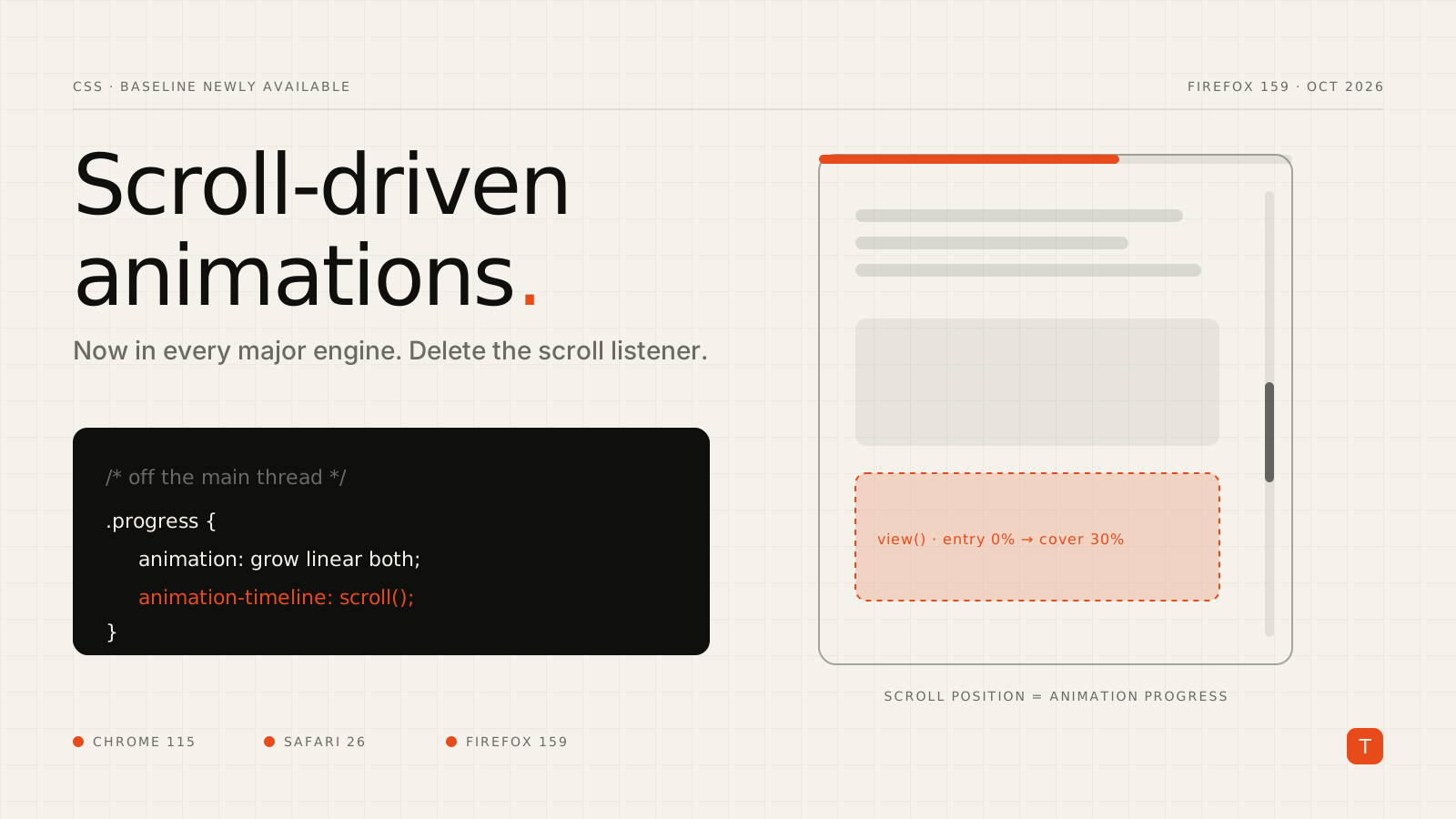
For years, scroll-linked effects have followed the same recipe: attach a scroll listener, read scrollY, do some math, write a style. Reading-progress bars, parallax headers, shrinking navbars, image reveals — all of it running on the main thread, competing with everything else your JavaScript is doing.
That recipe is now optional everywhere. Firefox 159, released on October 27, 2026, enables CSS scroll-driven animations by default. Chromium has shipped them since Chrome 115, and Apple added them in Safari 26.0. As web.dev's October platform roundup notes, that makes the feature Baseline Newly available.
If you held off because "it only works in Chrome," that excuse expired in late October. Here's what changes and how to adopt it safely.
Why this matters for performance
A scroll handler is main-thread work by definition. When a long task is running — hydration, a third-party script, a heavy re-render — your handler waits, and the effect stutters or lags behind the user's finger. Worse, handlers that read layout and then write styles invite forced reflows, and scroll events fire often enough to make that expensive.
Scroll-driven animations flip the model. You declare the relationship between scroll position and animation progress, and the browser drives it. Chrome's scroll-driven animations performance case study compared a classic scroll-listener progress bar with a CSS animation-timeline: scroll() version under a deliberately heavy JavaScript workload. The listener version became janky; the CSS version kept tracking the scroll. The post's summary: "The new API is much smoother than the classic way of implementing scroll-driven animations."
The practical caveat: you get the most benefit when the animated properties are ones the browser can update without re-running layout — transform, opacity, and friends. Animating width, height, or top from a scroll timeline still works, but it brings layout back into the loop.
The two timelines you need to know
Normally a CSS animation progresses against the document timeline — wall-clock time. animation-timeline lets you swap that for one of two scroll-based timelines:
scroll()— progress tracks how far a scroll container has been scrolled, from 0% at the start to 100% at the end.view()— progress tracks a specific element's journey through the visible area of its scroll container, from the moment it enters to the moment it leaves.
Both are anonymous timelines you can use inline. You can also create named timelines with scroll-timeline and view-timeline when the element being animated isn't the one being scrolled.
Migration 1: the reading-progress bar
Here's the classic implementation most of us have shipped at least once:
const bar = document.querySelector('.progress');

window.addEventListener('scroll', () => {
  const max = document.documentElement.scrollHeight - innerHeight;
  bar.style.transform = `scaleX(${scrollY / max})`;
}, { passive: true });
And here's the CSS replacement:
@keyframes grow {
  from { transform: scaleX(0); }
  to   { transform: scaleX(1); }
}

.progress {
  position: fixed;
  inset: 0 0 auto 0;
  height: 4px;
  background: #E84B1A;
  transform-origin: 0 50%;

  animation: grow linear both;
  animation-timeline: scroll(root block);
}
scroll(root block) binds the animation to the document's vertical scroll position. No duration is needed — the timeline length is the scroll range. linear matters here: an eased timing function would make the bar race ahead and then crawl, which feels broken for a progress indicator.
Migration 2: reveal-on-scroll with view()
For a scrubbed entrance effect — content that fades and lifts as it scrolls into view, and reverses as you scroll back — view() replaces an IntersectionObserver plus class toggling:
@keyframes fade-up {
  from {
    opacity: 0;
    translate: 0 2rem;
  }
}

@media (prefers-reduced-motion: no-preference) {
  @supports (animation-timeline: view()) {
    .reveal {
      animation: fade-up linear both;
      animation-timeline: view();
      animation-range: entry 0% cover 30%;
    }
  }
}
animation-range is the key control. Without it, the animation spans the element's entire trip across the viewport, so it would only reach its end state as the element exits at the top. entry 0% cover 30% starts the effect as the element's leading edge appears and completes it once the element has covered 30% of the view.
Note that this is a scrubbed effect tied to scroll position. If what you want is a fixed-duration animation that fires once at a threshold, that's the separate scroll-triggered feature we covered in our post on animation-trigger, which is not yet cross-browser.
Migration 3: a named timeline for a horizontal scroller
When the indicator lives inside a scroller rather than on the page, give the scroller a named timeline:
.gallery {
  overflow-x: auto;
  scroll-timeline: --gallery inline;
}

.gallery__indicator {
  position: sticky;
  left: 0;
  animation: grow linear both;
  animation-timeline: --gallery;
}
Named timelines are visible to the scroller's descendants. If the element you want to animate sits elsewhere in the tree, timeline-scope on a shared ancestor can hoist the name so siblings can reference it.
When you still need JavaScript
Some effects need runtime values — a timeline chosen dynamically, or progress fed into a canvas. The same machinery is exposed to the Web Animations API through ScrollTimeline and ViewTimeline:
const bar = document.querySelector('.progress');

if ('ScrollTimeline' in window) {
  bar.animate(
    { transform: ['scaleX(0)', 'scaleX(1)'] },
    {
      fill: 'both',
      timeline: new ScrollTimeline({
        source: document.documentElement,
        axis: 'block',
      }),
    }
  );
}
You still write JavaScript, but only once at setup. The browser drives progress from then on; there's no per-frame handler.
Gotchas before you ship
Declaration order matters. The animation shorthand resets animation-timeline, so animation-timeline must come after the shorthand. WebKit's guide to scroll-driven animations calls this out explicitly, and it's the most common "why isn't this working" bug.
Baseline Newly available is not Widely available. Every engine ships it, but not every visitor has updated. Firefox ESR users and anyone on an older Safari won't have it. Wrap enhancements in @supports (animation-timeline: scroll()) and make sure the un-animated state is the correct, readable state. For progress bars, the fallback can be a hidden bar or your old listener behind a CSS.supports() check.
Respect reduced motion. Large-field motion like parallax and zooms is exactly what prefers-reduced-motion exists for. Gate those effects behind @media (prefers-reduced-motion: no-preference). A thin progress bar is usually fine; a hero that scales and slides is not.
Audit what you animate. Moving a scroll handler into CSS doesn't magically make a height animation cheap. Prefer transform, translate, scale, and opacity, and check the result in the DevTools Performance panel under load.
Takeaways
- Search your codebase for
addEventListener('scroll'. Progress bars, parallax, and scroll-linked header changes are prime candidates for a straight swap toanimation-timeline. - Use
scroll()for container progress andview()for element visibility, and tuneview()effects withanimation-range. - Ship it as progressive enhancement with
@supports, so older browsers get a static but correct page. - Keep scroll effects on compositor-friendly properties and behind
prefers-reduced-motion.
The payoff is a little less JavaScript, one fewer source of main-thread contention, and scroll effects that stay smooth even when the rest of the page is busy. If you'd like a second pair of eyes on the scroll-heavy parts of your front end, get in touch.